

Content & CMS
CMS HTML Code Block
Write your own HTML, CSS and JavaScript as a CMS element in the Shopware page editor.
At a glance
- CMS block and element with a code editor
- Syntax highlighting with Prism
- Room for custom elements on your pages
Screenshots


About CMS HTML Code Block
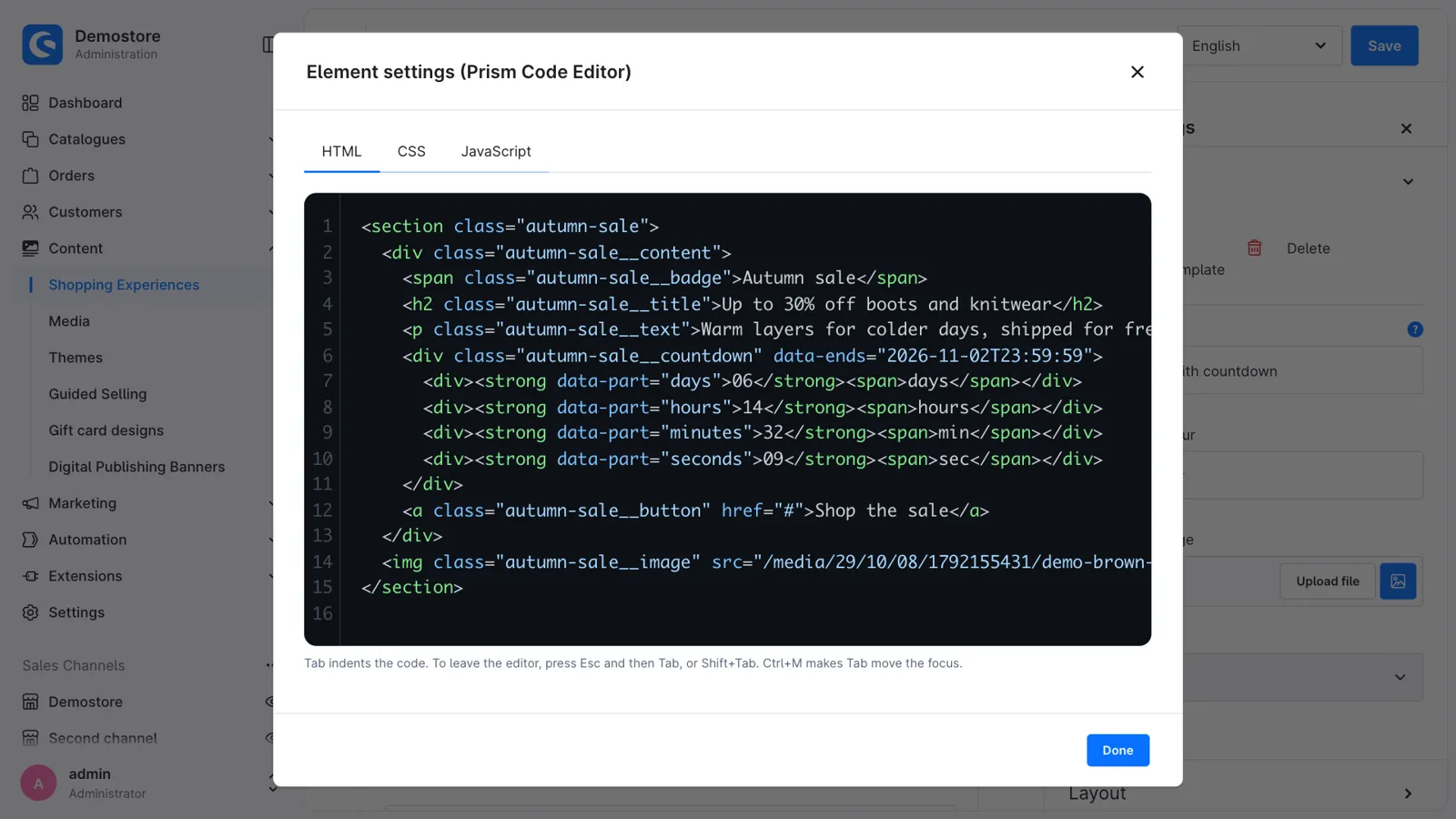
Your own HTML, CSS and JavaScript, anywhere in your Shopping Experiences. Build a sale banner with a countdown, a size guide, a comparison table or embed a widget, without a theme plugin and without a developer for every change.
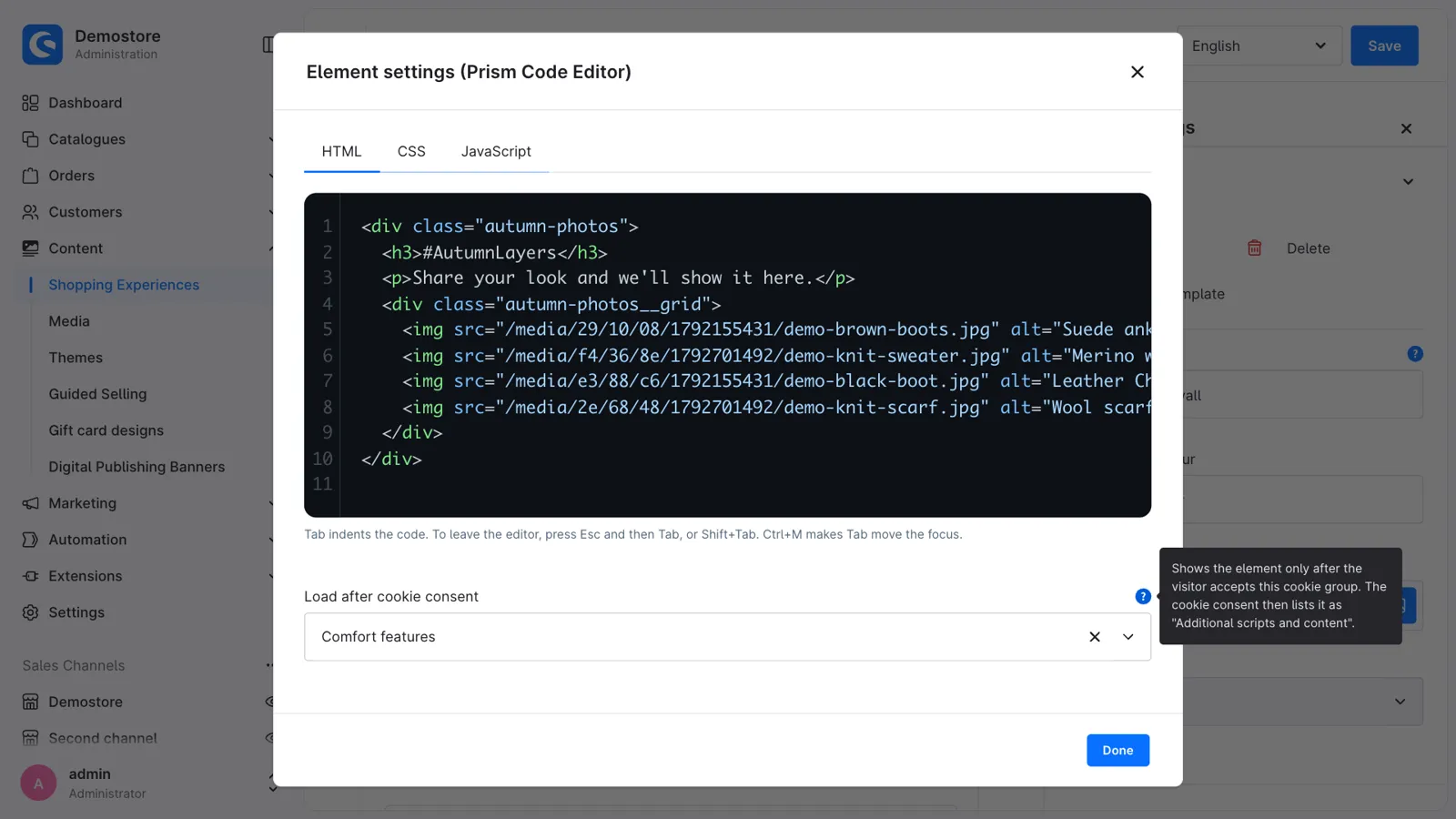
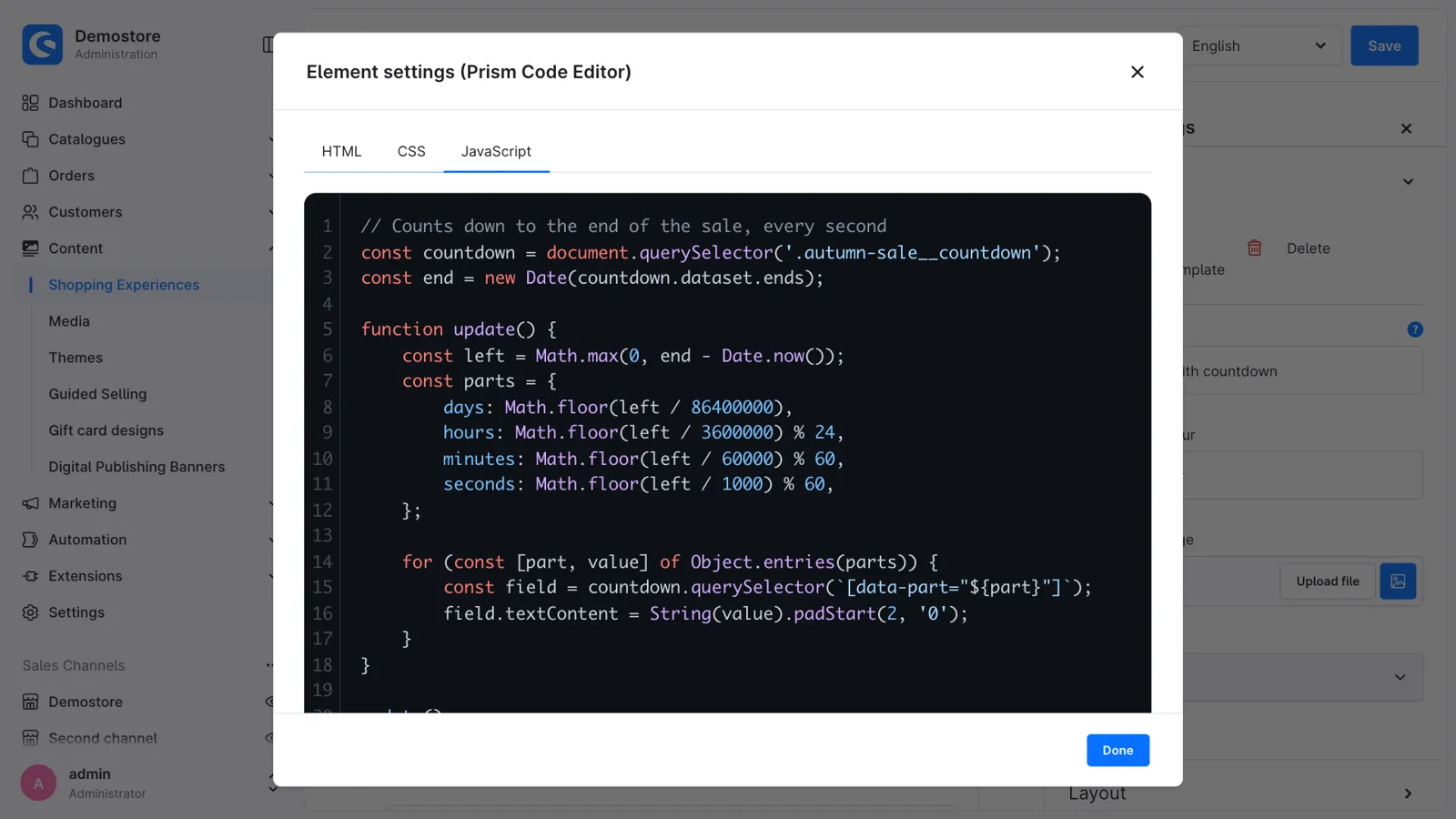
The "Prism Code Editor" block adds a code element to the layout editor. You write HTML, CSS and JavaScript in separate tabs, each with highlighting and line numbers, and see a preview of the result right in the layout.
Features
- Separate tabs for HTML, CSS and JavaScript, with highlighting.
- JavaScript runs once the page has loaded, so it can use every element on the page.
- Preview in the layout editor: your HTML and CSS in a sandbox, without running scripts.
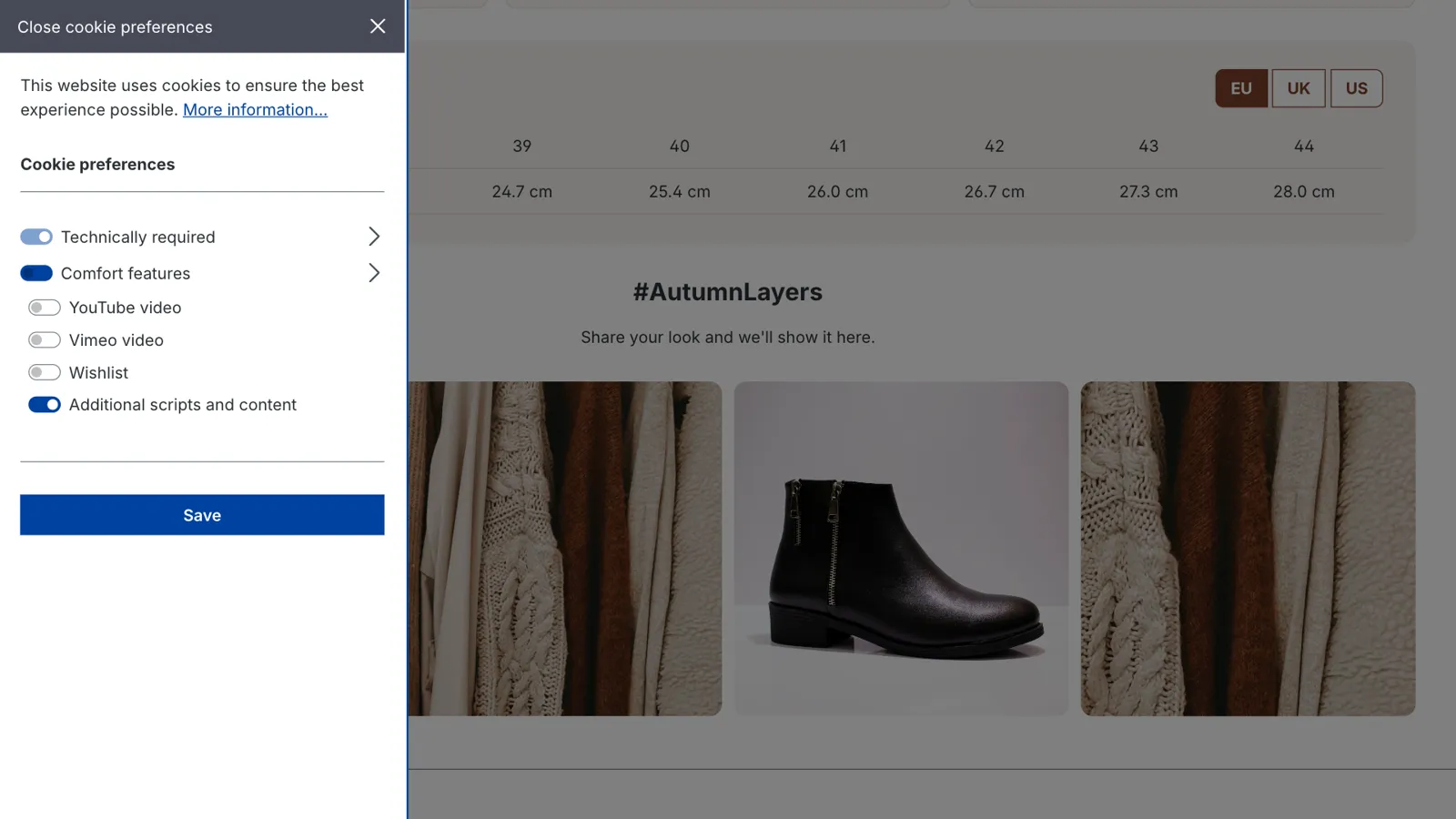
- Load after cookie consent: tracking, chat or social snippets only load once the visitor accepts the statistics, comfort features or marketing cookies. The cookie settings list them as "Additional scripts and content".
- Only on phones, tablets or desktops, with the block visibility of Shopware.
- Translatable per language, like every CMS element.
- Keyboard-friendly editor, in 8 languages.
Get CMS HTML Code Block for your store
Install it from the Shopware Store. A question along the way? You get an answer from the developers who built it.