

Checkout & conversion
Guided Selling
Help customers find the right product through a series of targeted questions.
At a glance
- Build question funnels in the Shopware Administration
- Results based on dynamic product groups
- Responsive and multilingual
Screenshots
About Guided Selling
Help customers find the right product
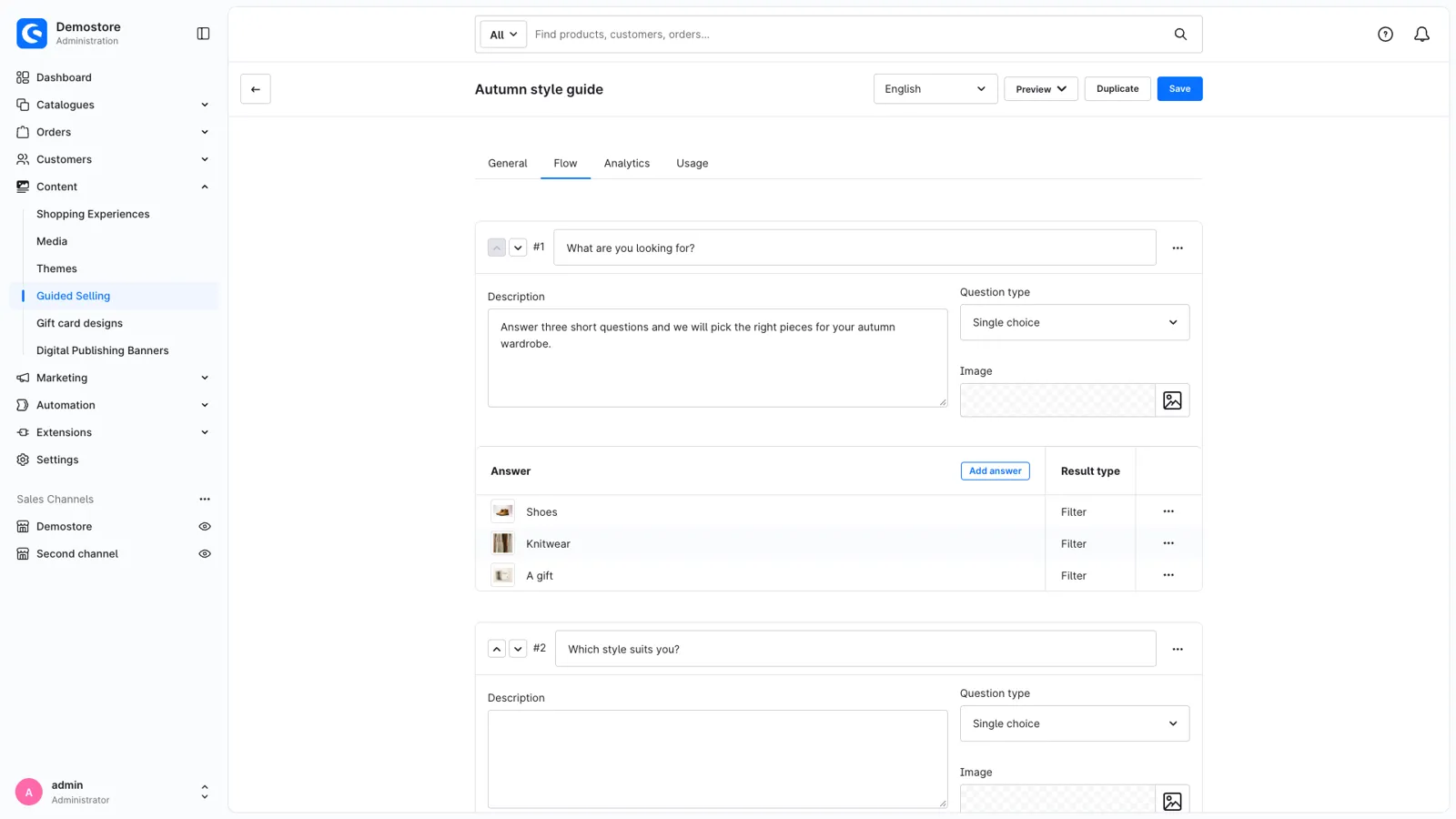
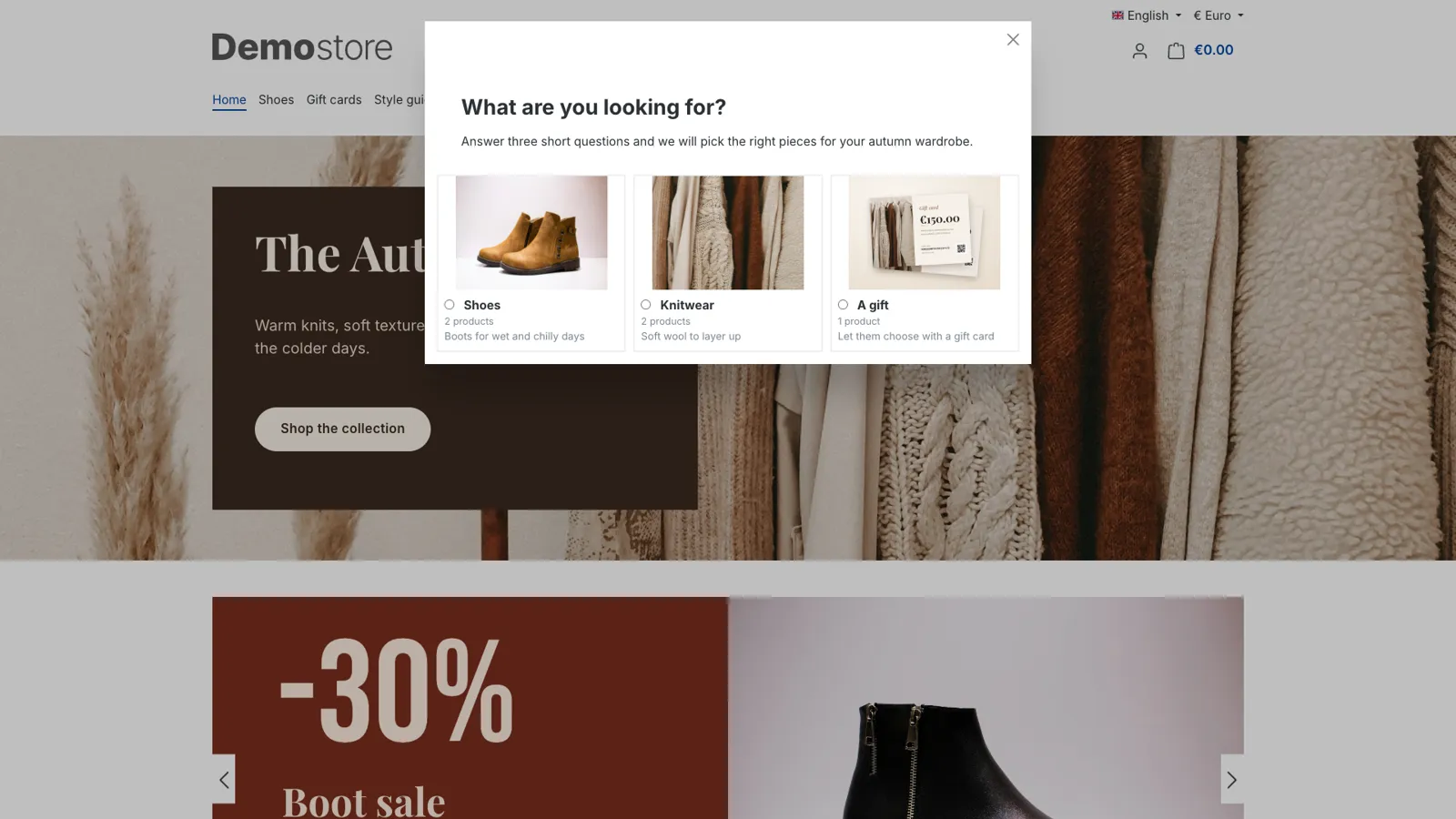
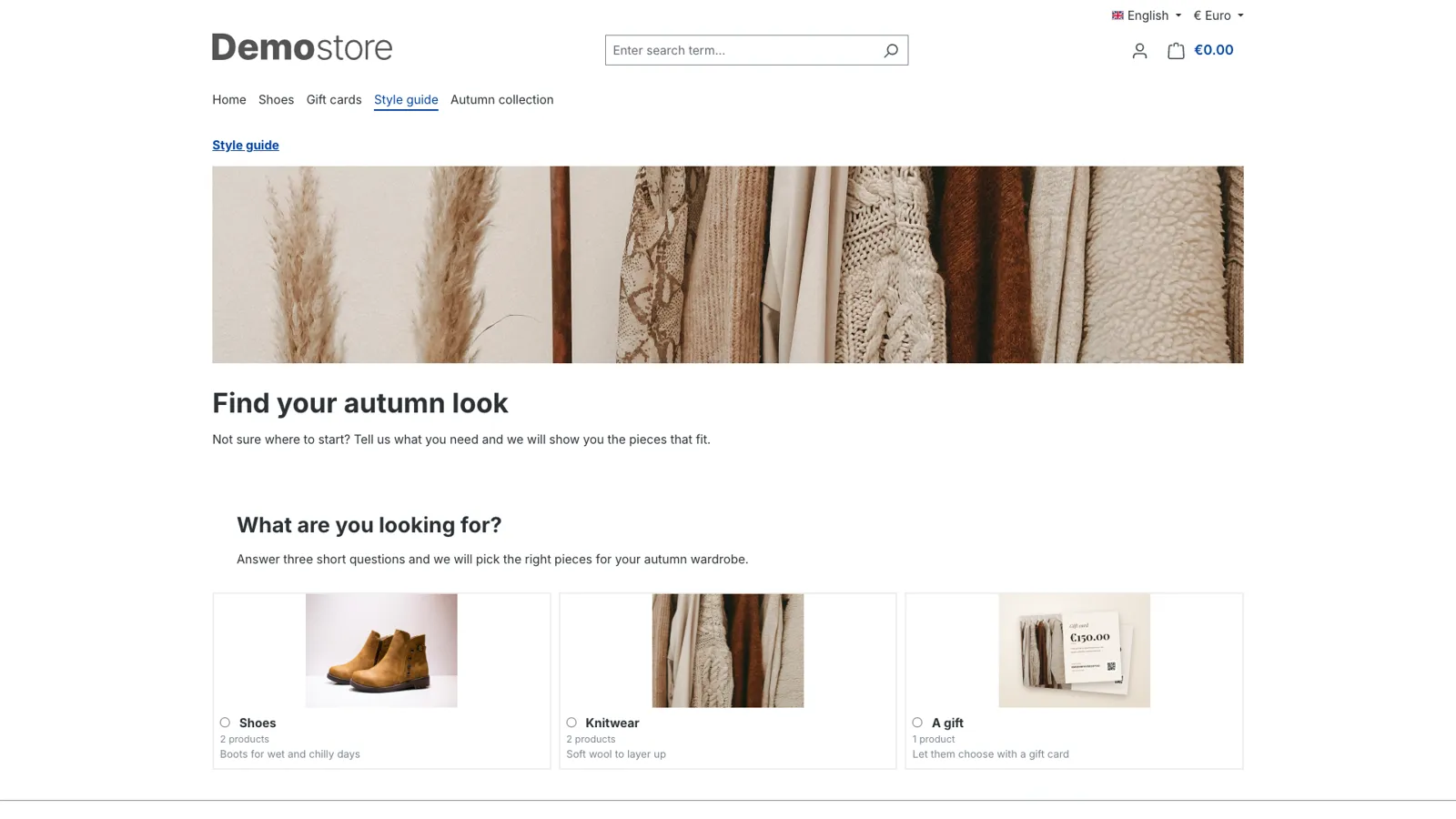
A large range is great, until a customer doesn't know where to start. Guided Selling asks a few simple questions ("What are you looking for?", "Which style suits you?", "What is your budget?") and shows the products that fit the answers. Like a good shop assistant, it turns browsing into choosing.
Build funnels without code
Create your funnels in the Administration under Content > Guided Selling. A funnel is a series of questions, each on its own step:
- Single or multiple choice questions, with a description and an image.
- Answers with a text, a description and an image, in the order you choose.
- Filters per answer with the same conditions as Dynamic Product Groups: categories, manufacturers, properties, price, stock, custom fields and more.
- Answer availability: show an answer only when certain answers were given earlier, so every customer gets questions that make sense.
- "Go to question" answers to skip steps, and steps without answers for an introduction or extra information.
All texts are translatable, and the Administration and storefront are available in English, German, Dutch, French, Spanish, Italian and Polish.
Show the result your way
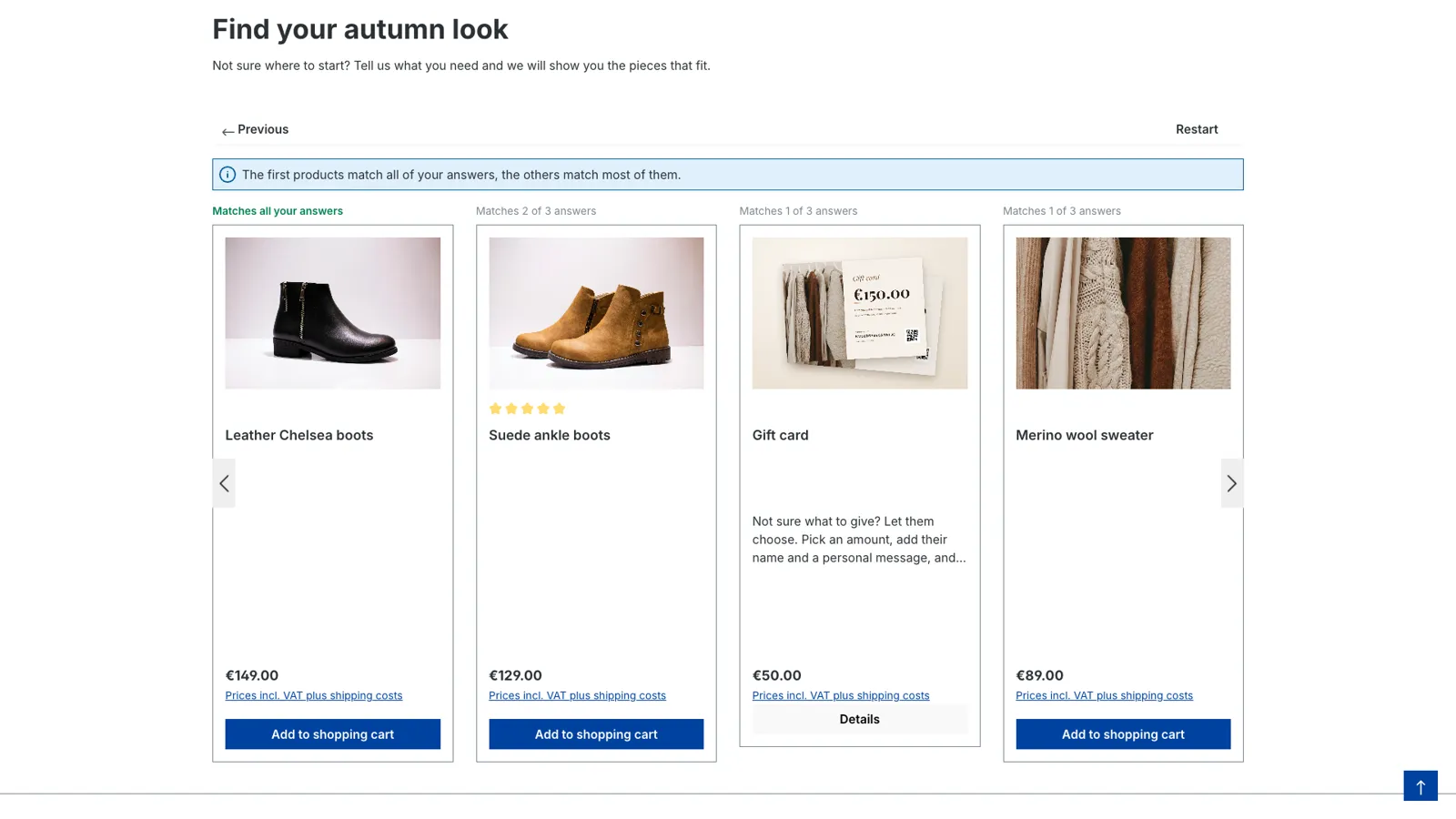
- Product slider: the matching products appear right in the funnel. Choose the number of products, the box layout, the image display, the minimum width, navigation arrows and automatic sliding. Variants are grouped like in your listings, and sold-out clearance products are hidden when your shop hides them.
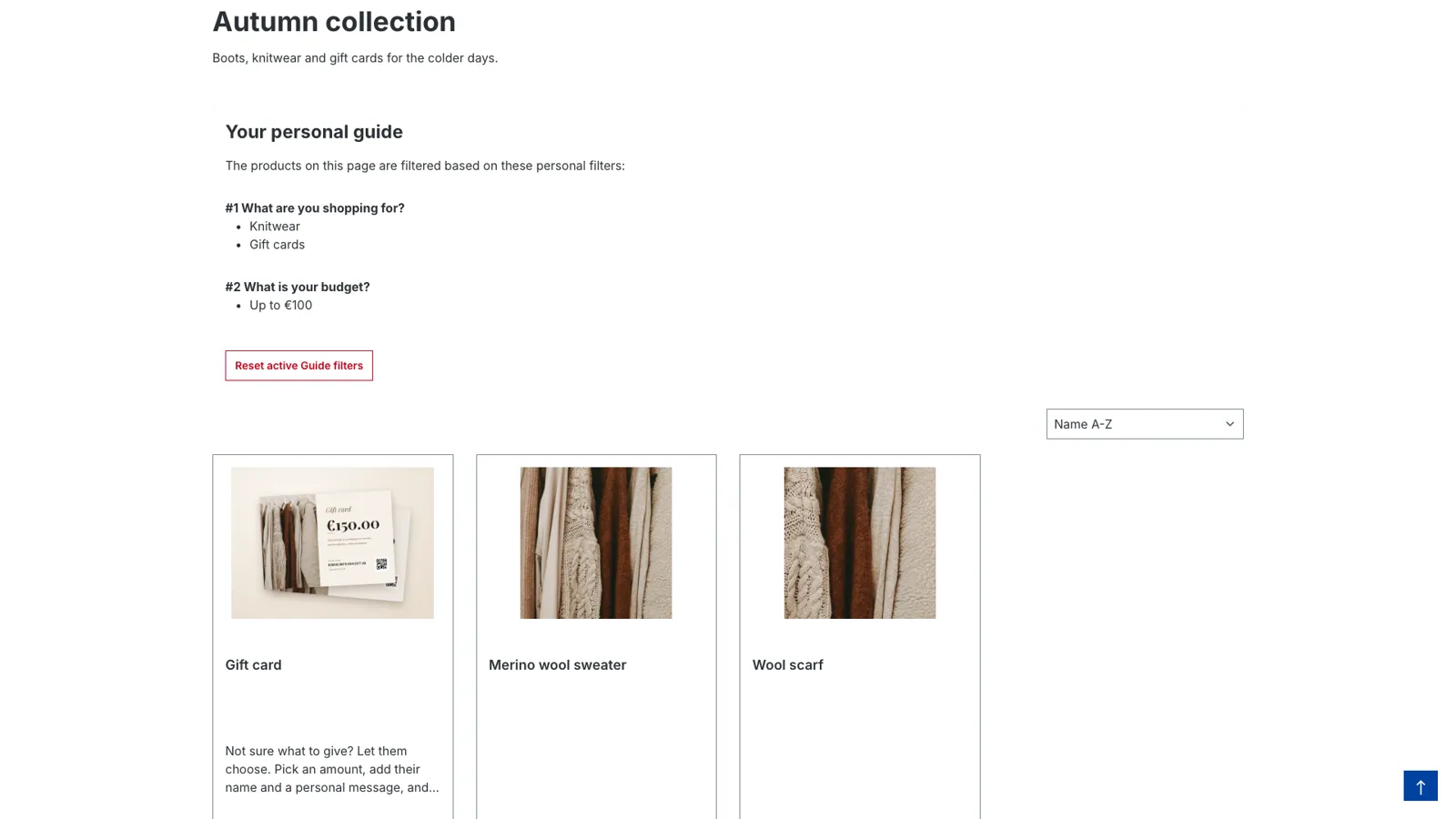
- Filtered category page: the funnel filters the product listing of the category, with a summary of the answers and a button to reset them. Customers keep using your sorting and filters.
Never a dead end
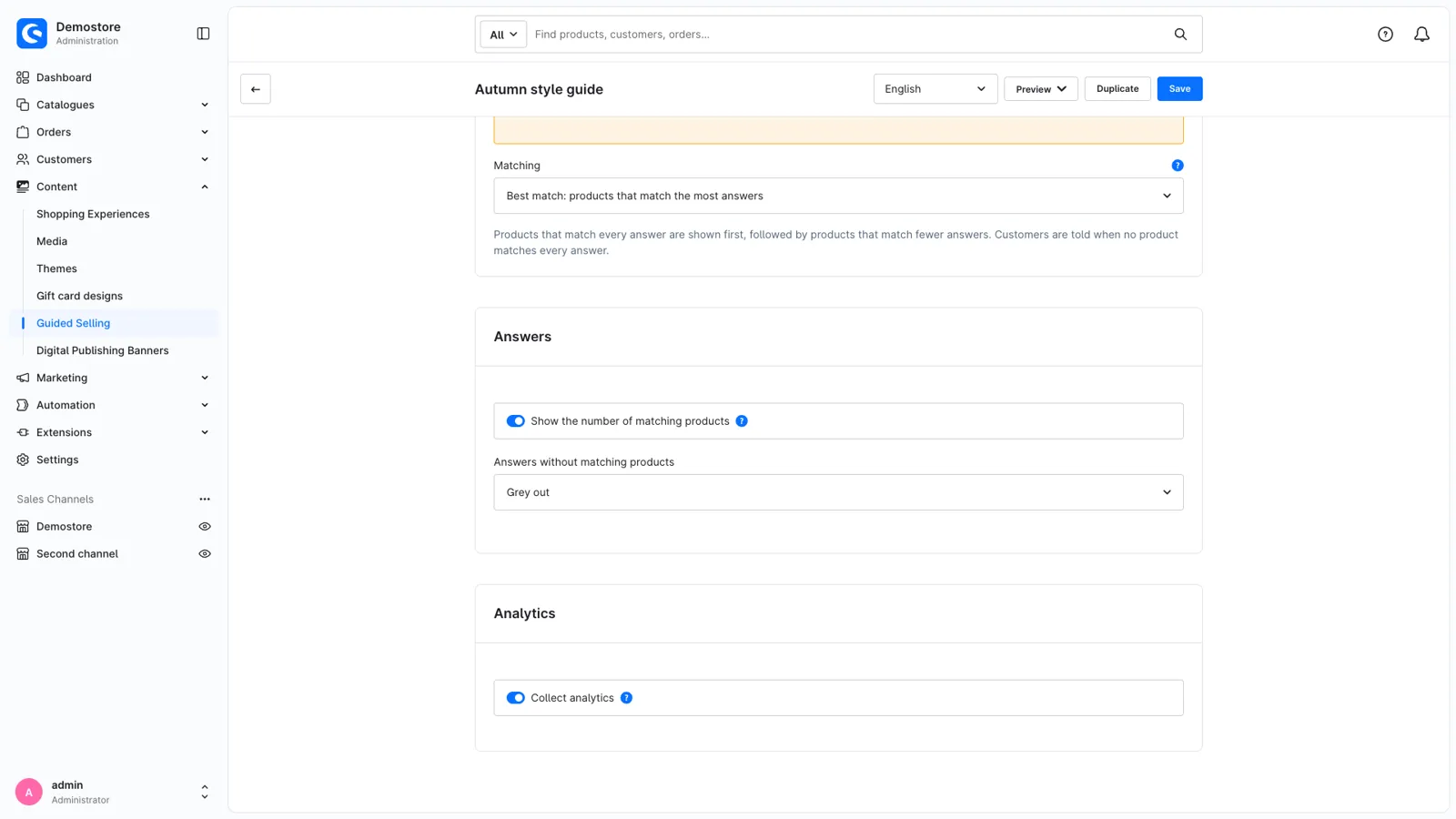
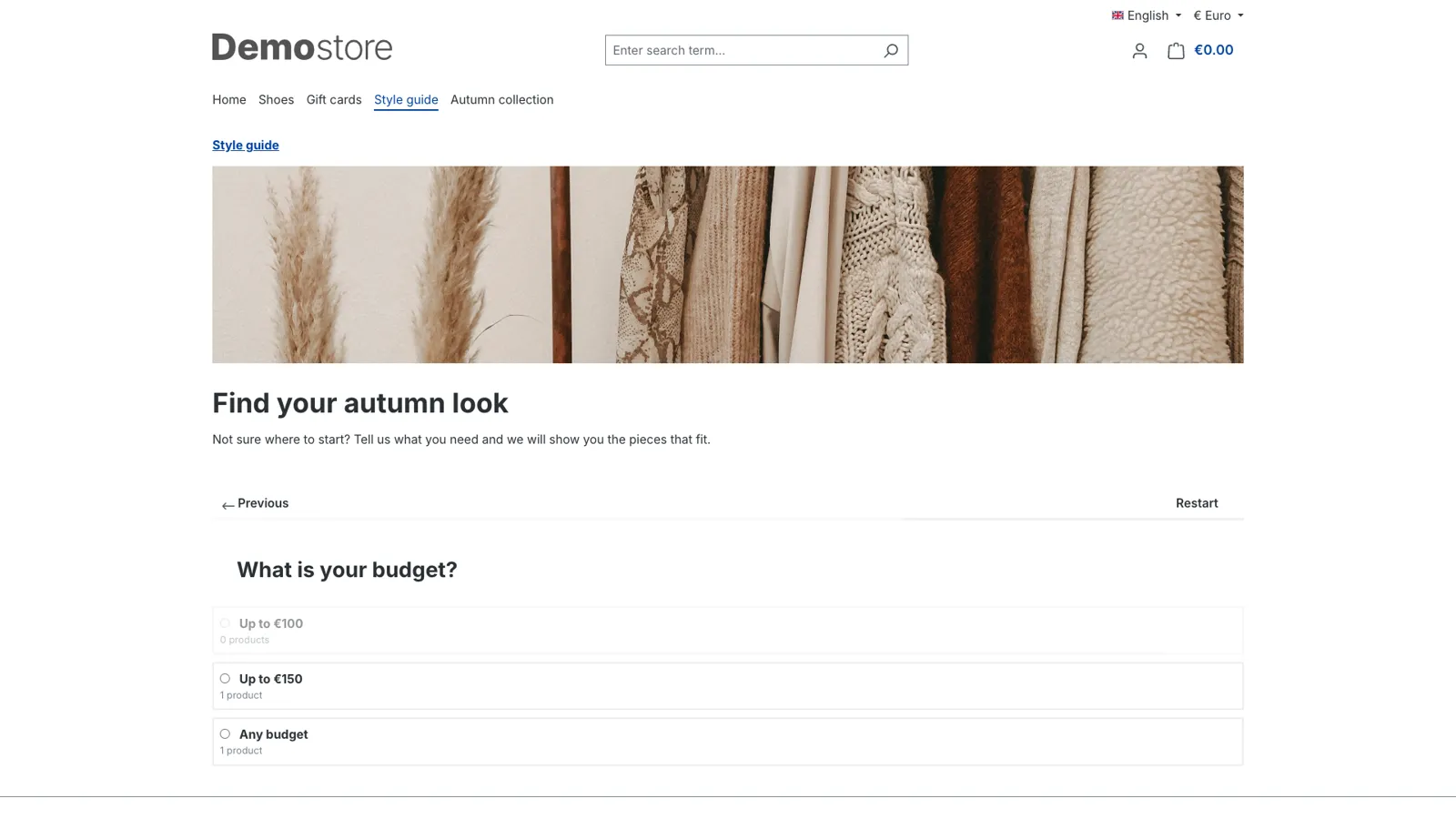
Live match counts show next to every answer how many products it leads to ("12 products"), based on the answers so far. Answers without products are greyed out or hidden, and a question without any answer left is skipped.
Best match makes sure customers always get suggestions. Products that match every answer come first, followed by the products that match most answers, and the customer is told when nothing matches everything. Show the difference with a label on every product ("Matches 2 of 3 answers") or a divider slide, or keep the result seamless. Prefer only exact matches, for example when a size has to fit? Keep the default strict matching, then customers see a clear message instead of products that don't fit.
See what works
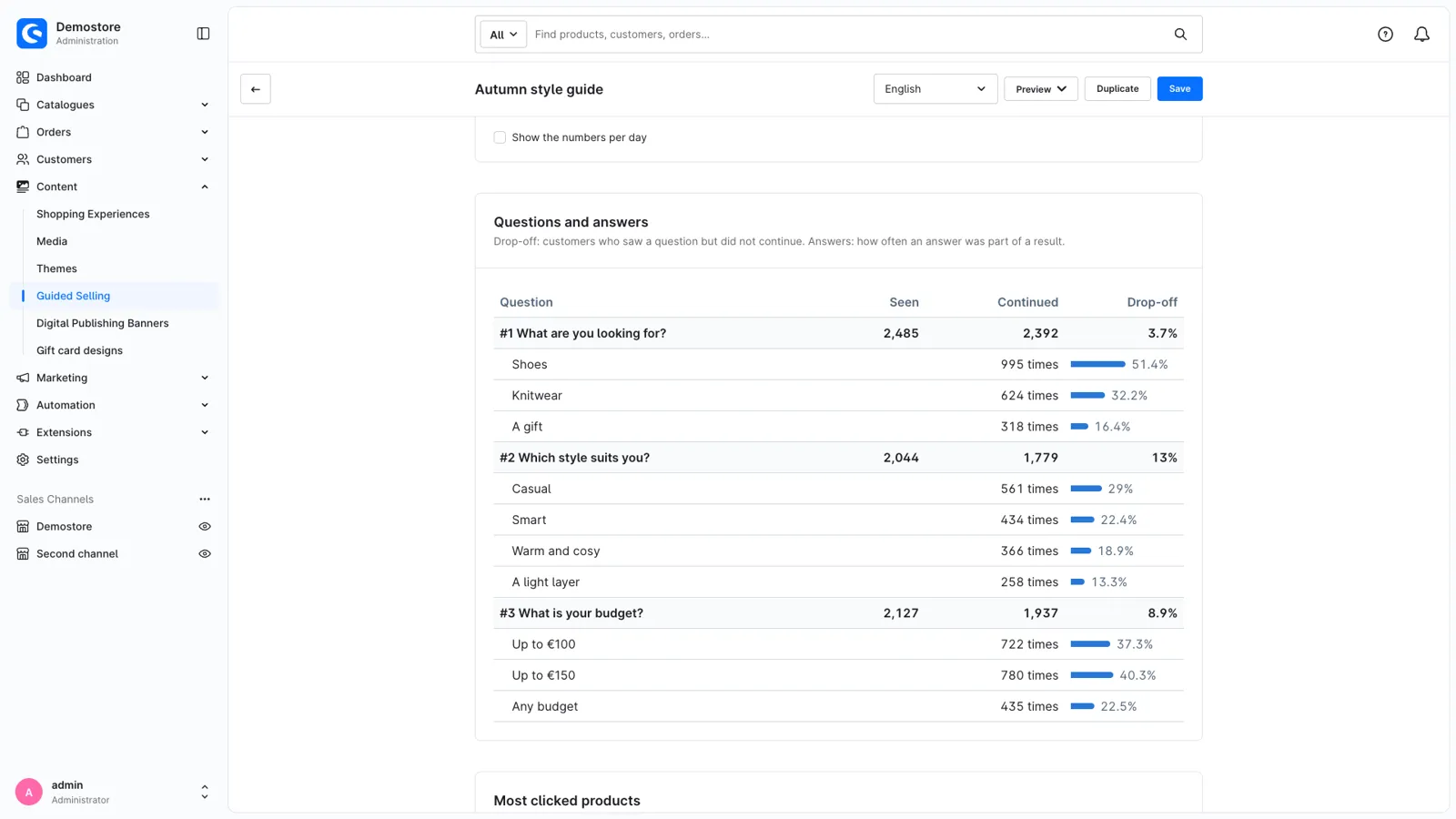
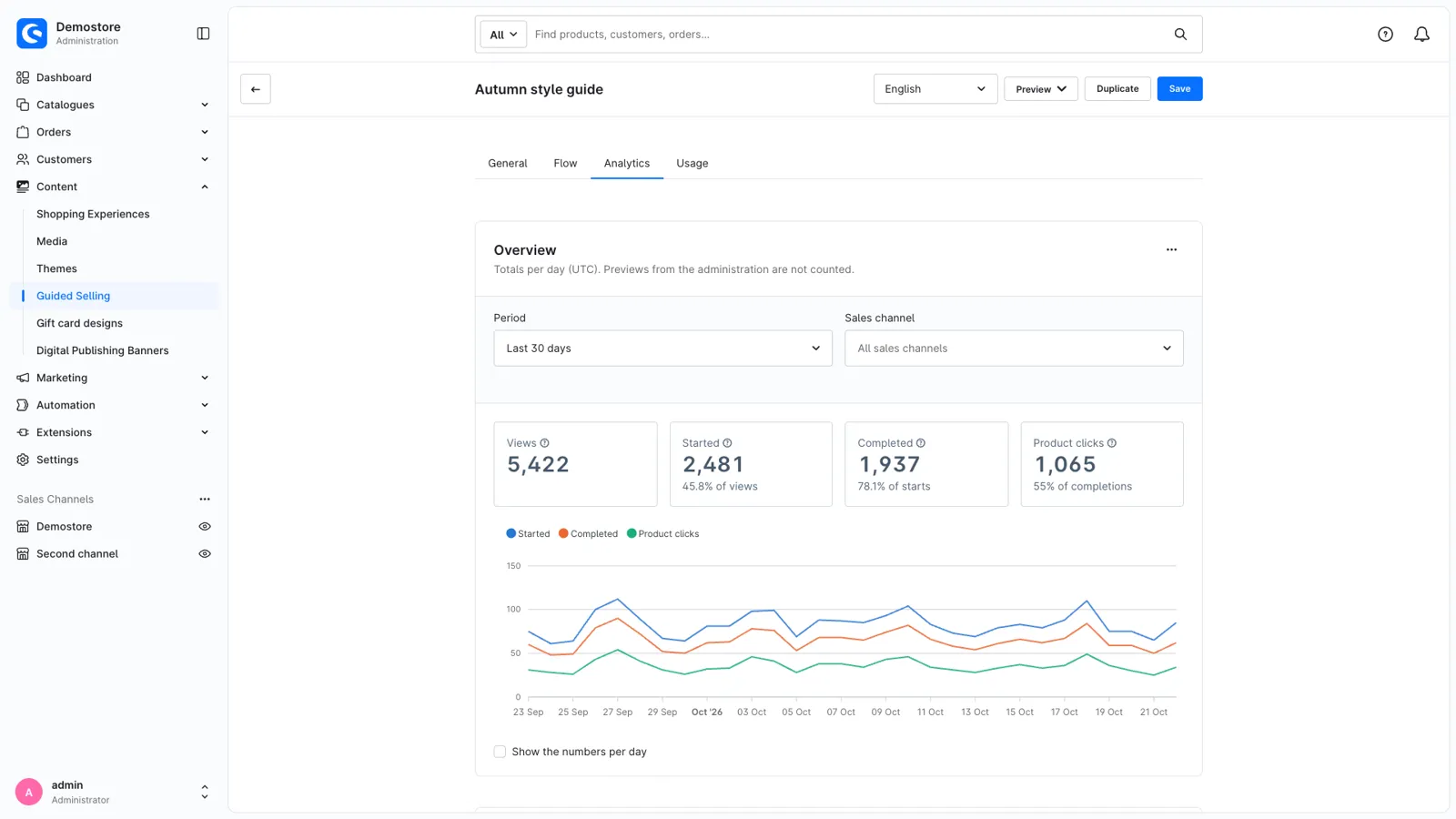
The Analytics tab of every funnel shows how customers use it, per day and per sales channel:
- how often the funnel was viewed, started and completed,
- the drop-off per question: where customers stop,
- how often every answer is chosen,
- the clicks on result products, and the most clicked products.
Only totals per day are stored: no cookies and no personal data. Analytics can be turned off per funnel, and previews from the Administration are never counted.
Place it anywhere
- Inline with the Guided Selling element in Shopping Experiences, on any page or category.
- In a modal or off-canvas from any link or button. The text editor has a "Guided Selling" link type, so no HTML is needed.
- Open on load: link to a page with the funnel's URL hash and it opens straight away, for example from a newsletter or an ad.
Made for daily use
- Preview a funnel in the storefront of your choice before you place it.
- Duplicate a funnel with all questions, answers and filters, in every language, as a starting point for the next one.
- Warnings for answers whose filters can't be applied, so you spot an incomplete condition before your customers do.
- Accessible: questions are headings, answers are grouped per question, keyboard focus follows the active question and screen readers announce the progress and the result.
- Fast: works with Shopware's HTTP cache, and pages with a funnel are refreshed as soon as you change it.
- Headless: Store API routes for the result, the match counts and the analytics events.
Support
Questions, ideas or something not working? Contact us through the Shopware Account ticket form. We read every message.
Get Guided Selling for your store
Install it from the Shopware Store. A question along the way? You get an answer from the developers who built it.